Cluster Management
Management Options
-
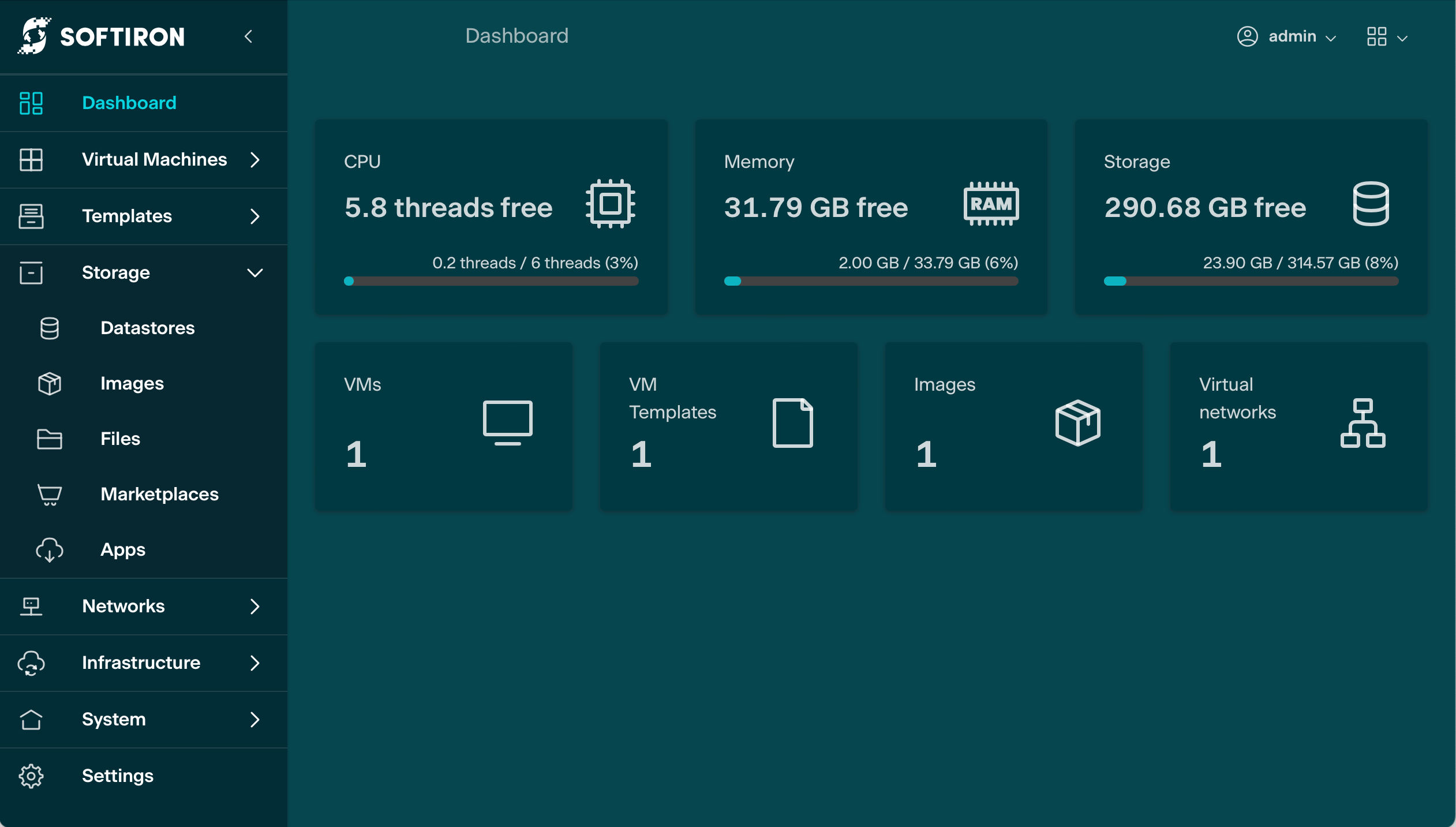
Managing the cluster is principally accomplished via Glasshouse, the management GUI.
-
In some cases, particularly for new features, the user may need to SSH directly in to the dashboard console to manage the cluster
Glasshouse GUI
Glasshouse is a user interface focused on streamlining administration and monitoring tasks. Create VMs quickly, update firewall rules simply, and create entire new tenancies in a few clicks.
Logging in
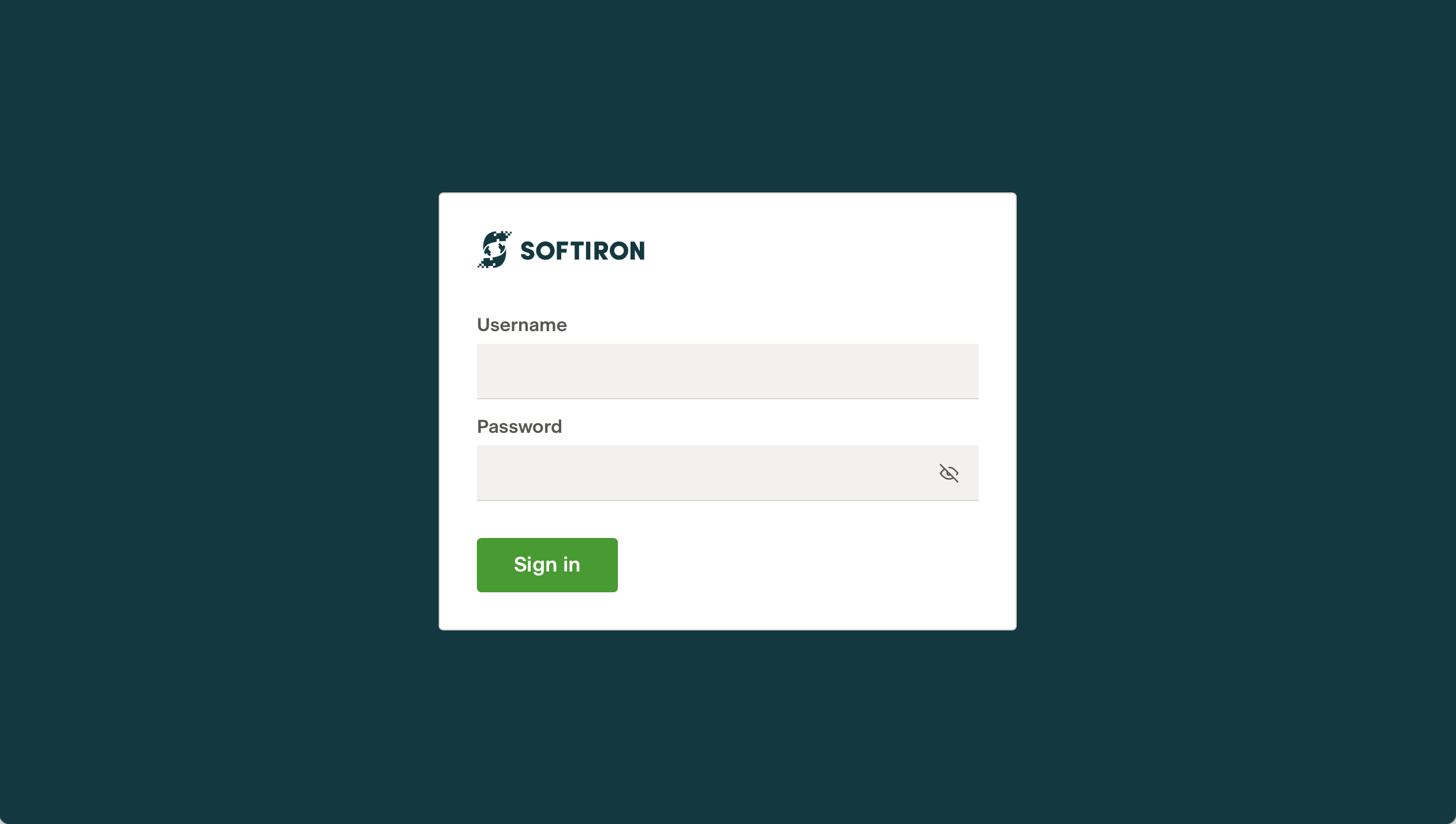
- Using your web browser of choice, navigate to the URL which points to your HyperCloud Legacy installation e.g.
https://<dashboard IP>/This will open Glasshouse, the HyperCloud Legacy management GUI (Graphical User Interface). Glasshouse is used administer the cluster and to create, manage, and share Virtual Machines.
The dashboard IP & cluster admin password are specified in the dashboard configuration step of the Installation guide.
- Enter your login credentials into the relevant text fields.
HyperCloud Legacy License
-
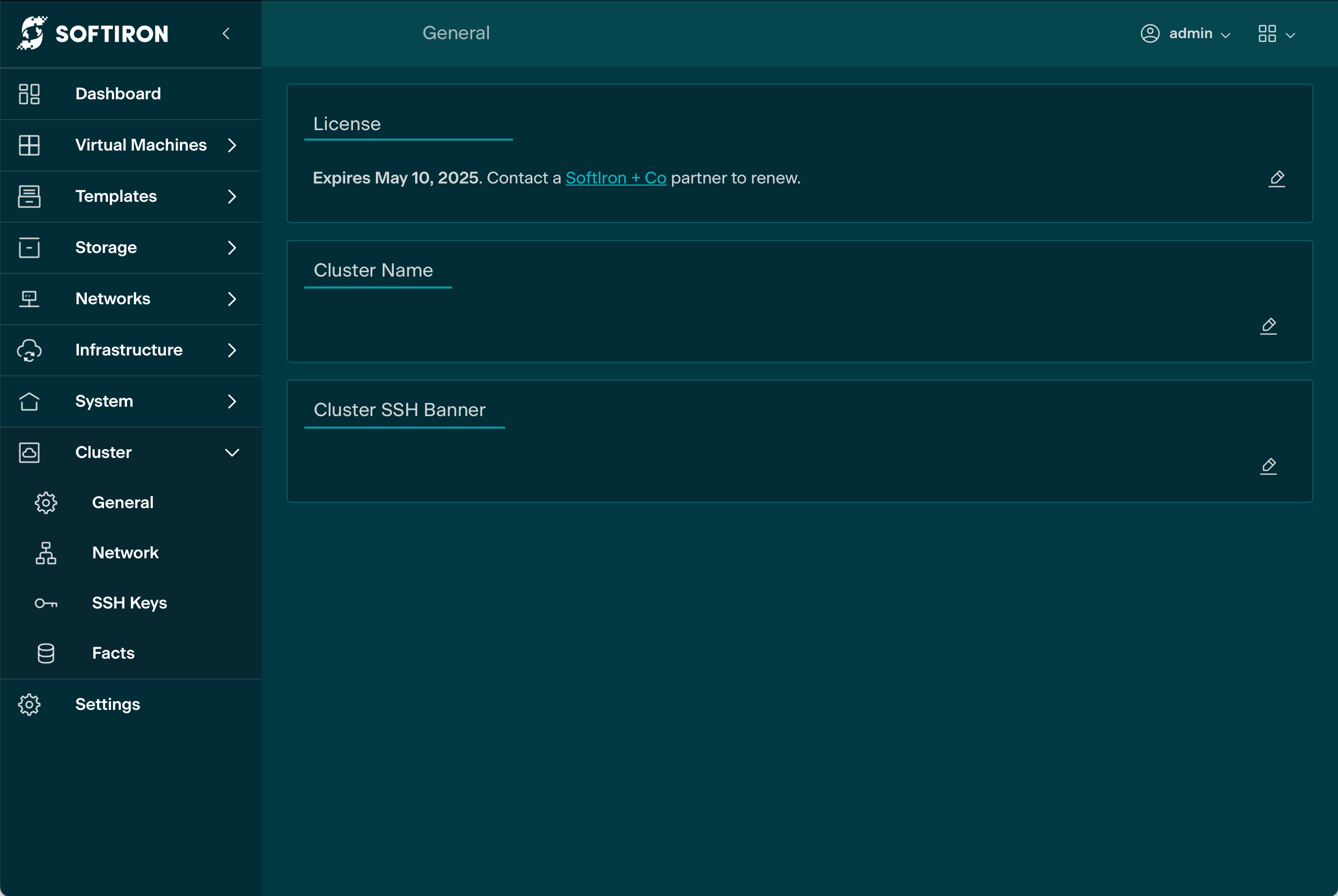
To update the HyperCloud Legacy License navigate to the Cluster/General panel in the Glasshouse GUI.
-
Select 'edit' in the HyperCloud Legacy License panel and paste the license into text box. Finally click on the 'save changes' button
Cluster Authorized Keys
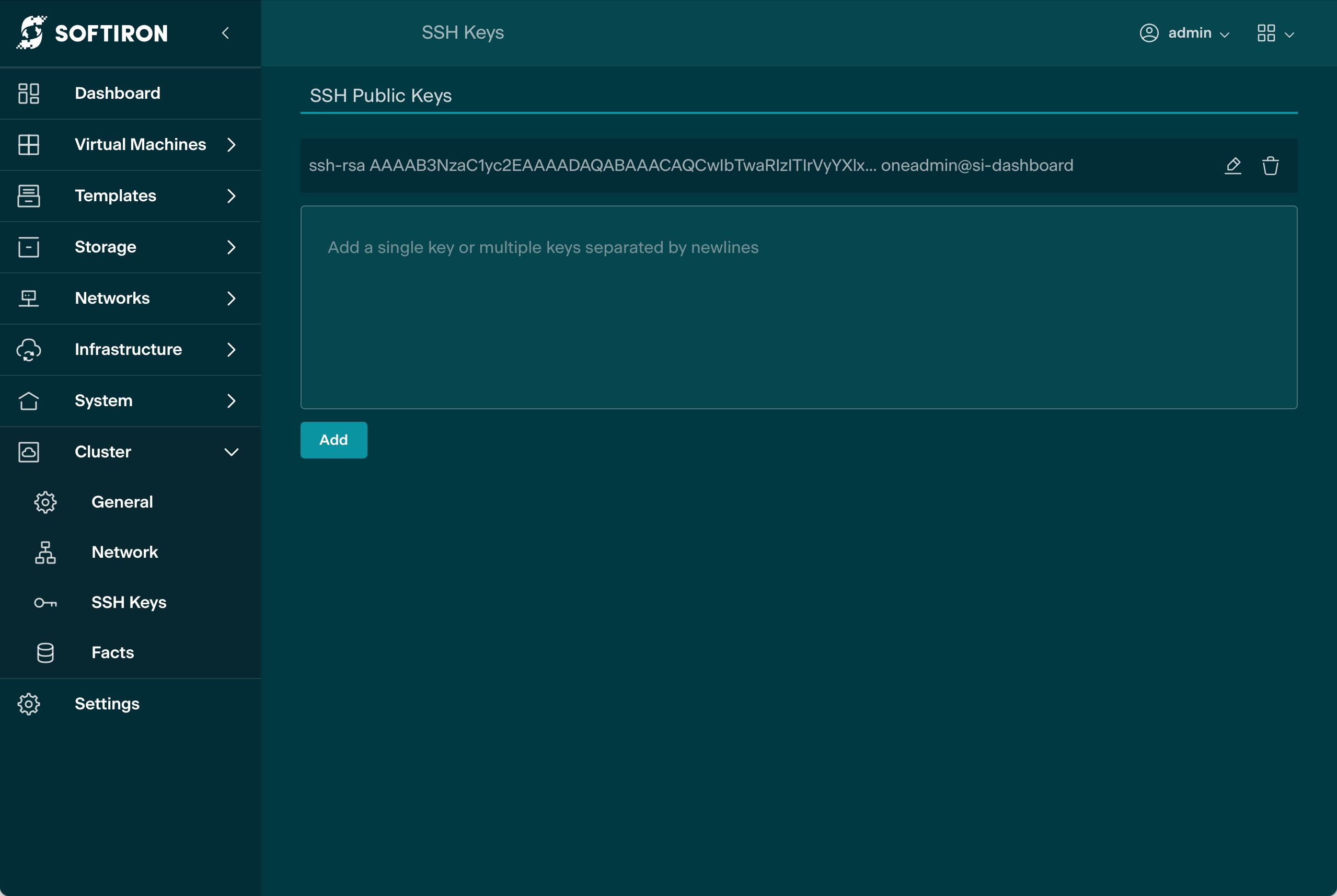
The Dashboard Console is authenticated using SSH keys. Use Glasshouse to add your public SSH key to the Cluster SSH Authorized Keys, or create a new key
- Navigate to the Cluster/SSH Keys panel in the Glasshouse GUI.
- Add the appropriate SSH keys to the
Cluster SSH Authorized Keystext box. - Click the
addbutton to apply.
The new SSH keys may take a short time to propagate through the cluster.
Dashboard Console
The dashboard console is an alternate way to manage the HyperCloud Legacy cluster.
To login to the dashboard console, an appropriate SSH key must first be added as one of the Cluster SSH Authorized Keys.
- Log in as root:
ssh root@<dashboard IP>
~ % ssh root@10.127.4.18
Warning: Permanently added '10.127.4.18' (RSA) to the list of known hosts.
Welcome to your new HyperCloud Legacy cluster!
Last login: Wed Mar 20 14:10:44 2024 from 192.168.11.225
Welcome to SoftIron!
Run "help" for supported commands

SoftIron:HyperCloud_Legacy_Test\dashboard>